

Blue or red?
What colour is Munich to you? Everyone in Munich has an opinion on that anyway, so the app simply asks. After that the whole app changes colour, icon included.
Try it, the whole page plays along
In the app
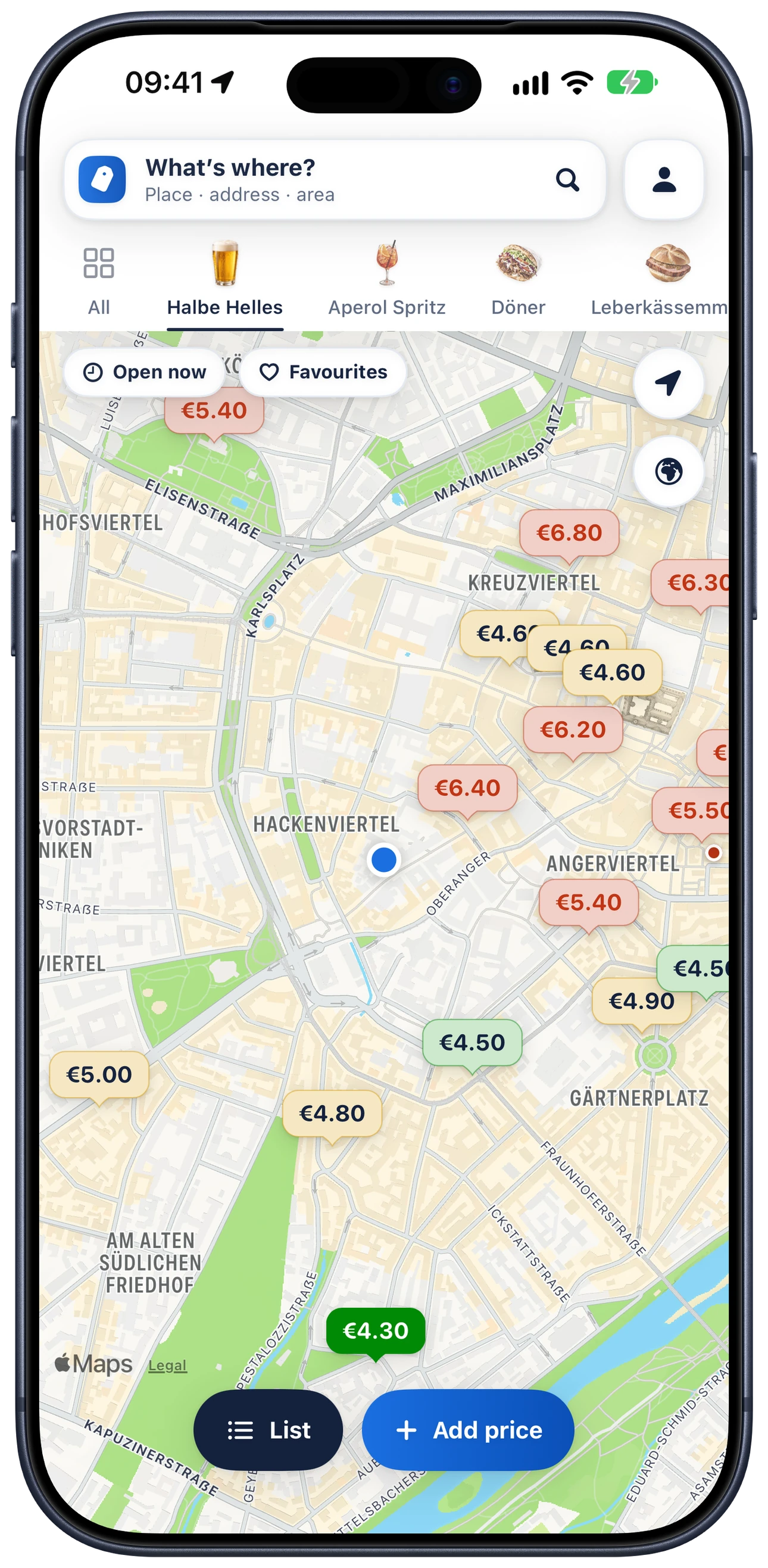
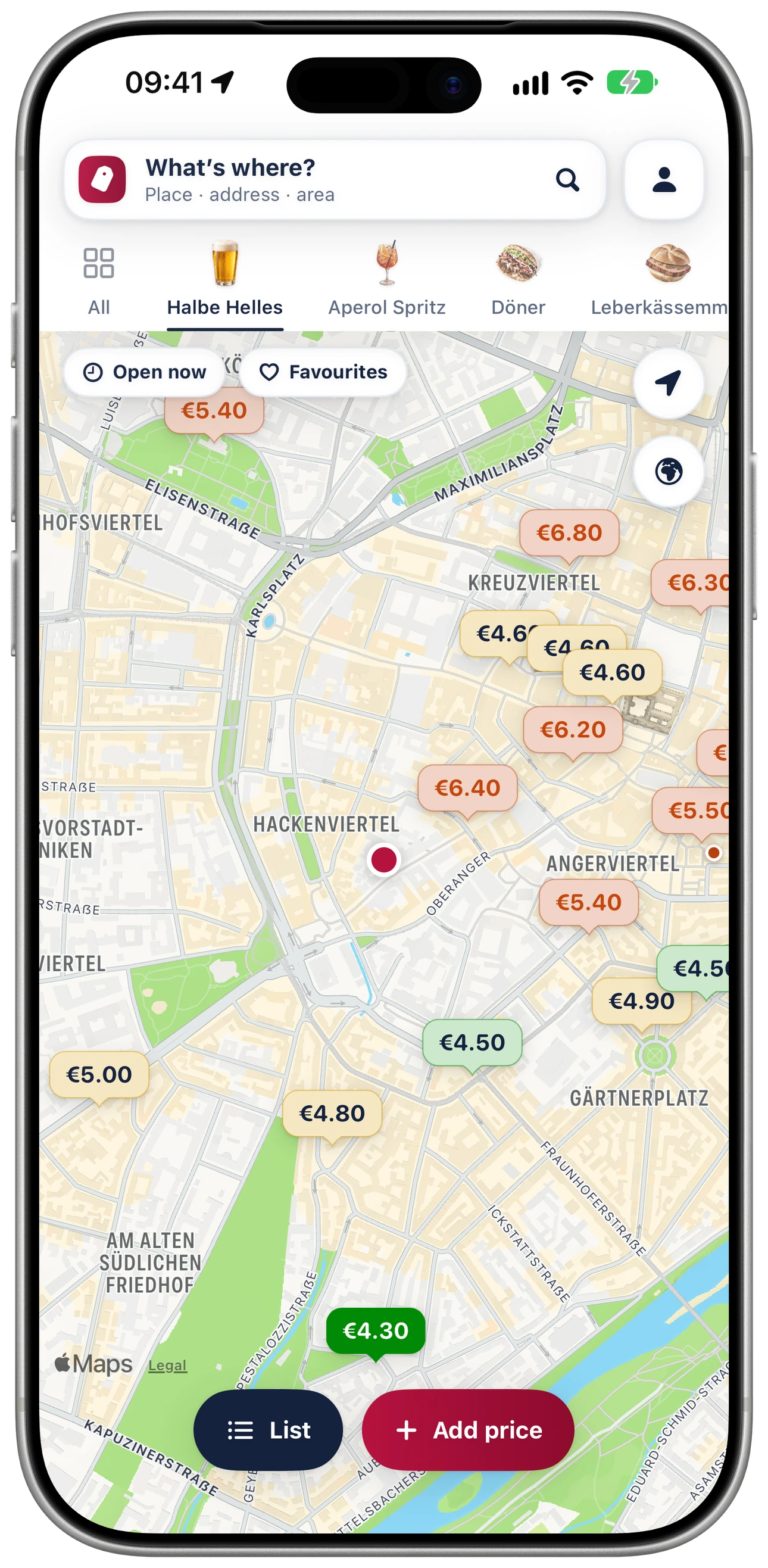
The same map, just in your colour
Everyone gets the same prices and the same map, you just pick the colour. Here are both side by side, exactly as they look in the app. Switch here and your colour moves to the front.
Questions
What people ask about the colour
- How to set it
- The app asks you right at the first start. Later, tap your profile at the top right and look for “What colour is Munich to you?” under Profile & Settings. One tap on blue or red is enough. Your iPhone then briefly tells you the icon has changed, it does that for every app that can switch its icon.
- What changes and what doesn’t
- The accent colour, the buttons, the start screen and the app icon follow your choice. The price tags stay as they are: green means cheap and red means pricey, whether you’re blue or red. Otherwise you’d never find the cheap Halbe in red mode.
- So who’s this about?
- I’m not saying, and neither is the app, it’s only about the colour. You know your answer anyway, so I’ll stay out of it and just show you the prices.
- Can I change it back?
- Any time, as often as you like. The choice stays on your iPhone, you don’t need an account and nothing gets sent anywhere. On this website only your browser remembers the colour.
Free for iPhone
Blue or red, who cares, as long as the Halbe is cheap
The app is free, you don’t need an account and there are no ads
Coming soon to the App StoreEmail me and I’ll tell you when it’s out